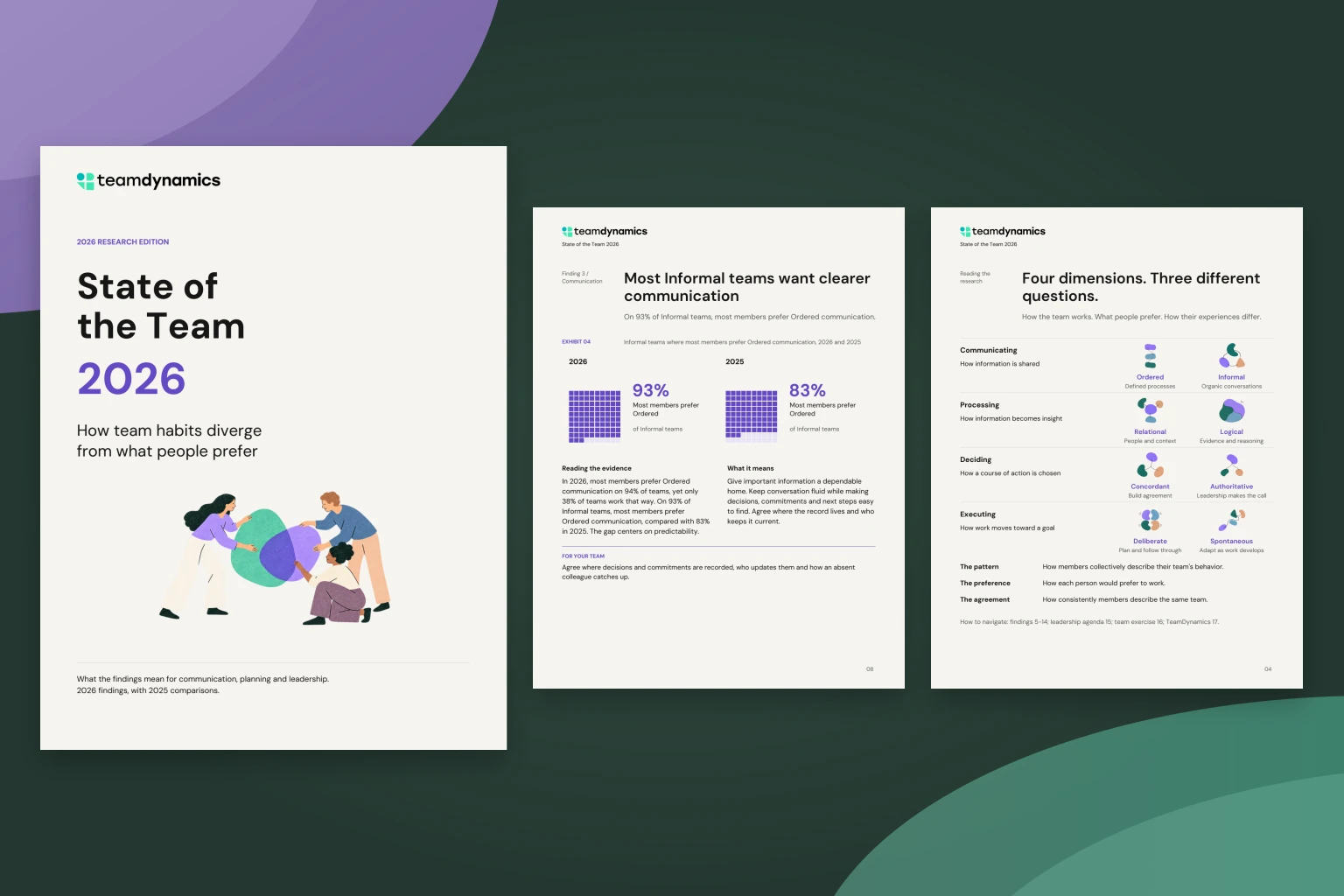
One of the most common questions we get from customers is, “How do I use TeamDynamics when I’m interviewing candidates?” Now, with TeamDynamics Hire, you can.
Start with the team the candidate would join. You already know how your team tends to communicate, process information, make decisions and get work done. Before the interview, invite the candidate to share how they prefer to work. Hire puts the two side by side and gives you an interview guide built around that comparison.
When you see a shared preference, find out whether it looks the same in practice. When you see a difference, describe a real situation on your team and ask how the candidate would handle it. Let’s look at both conversations.
Start with a difference the recruit will notice
Casey Ellis, the recruit in the sample guide, prefers to exchange updates in everyday conversation. The Product team tends to use established channels for important news. The guide calls this a potential tension in Communicating. Start by asking how Casey handled a real update.
Think of a time something changed and another person needed to know. How did you get the update to them?
Suppose Casey describes hearing about a deadline change in the hallway and calling the colleague on the next shift. That gives you a concrete example of whom Casey thought to tell and how the news reached them.
Tell the recruit what happens on your team
Take a turn answering your own question. If the new deadline came up at Monday’s meeting, tell Casey how the teammate who missed Monday found out. If they learned about it too late, say so. Casey can learn more from that detail than from a promise that everyone communicates well.
Now ask the guide’s follow-up. “If you heard about a change in passing, how would you get it to the people who rely on the channel I described?” In your notes under Communicating, record the adjustment Casey suggested and any questions Casey had for you.
Inside Casey’s interview guide
See how Casey’s preferences compare with the Product team across all four dimensions, and what the manager can ask about each one.
Ask about a natural fit, too
When a recruit and team both like to check the evidence, Hire calls that a natural fit in Processing. There’s still something to learn. One person might double-check the source before a meeting. Another might bring the figures to a colleague and test an assumption together. Start with the recruit’s example, share how your team checked a claim, then ask, “In your example, what evidence could someone else have checked to see whether your conclusion held up?”
The guide takes the same approach to Deciding and Executing. For each dimension, keep a note of the example you heard and anything you promised to explain. Use your usual interview rubric to evaluate the skills the role requires.
Use Hire before the team interview
- Invite the shortlist. Open the team you’re hiring for and choose Add recruits. Each recruit completes a short preferences questionnaire or chooses to share a saved profile with this team.
- Prepare the conversation. Managers and admins can read submitted preferences immediately. Once the team has its TeamDynamics results, open the comparison and choose a real example of how your team works to share in the interview.
- Bring the guide. Use it on screen to take notes under each dimension, or print a copy of the questions. Recruits see a thank-you when they finish the questionnaire.
If you already use TeamDynamics Pro, you’ll find your team under TeamDynamics Build. A direct team pays $15 the first time it invites a recruit to that team. On a Professional Partner client team, each new recruit uses one partner invitation, just like a team member.